Cart (0)
Your cart is empty.
July 22, 2026
By Brian G
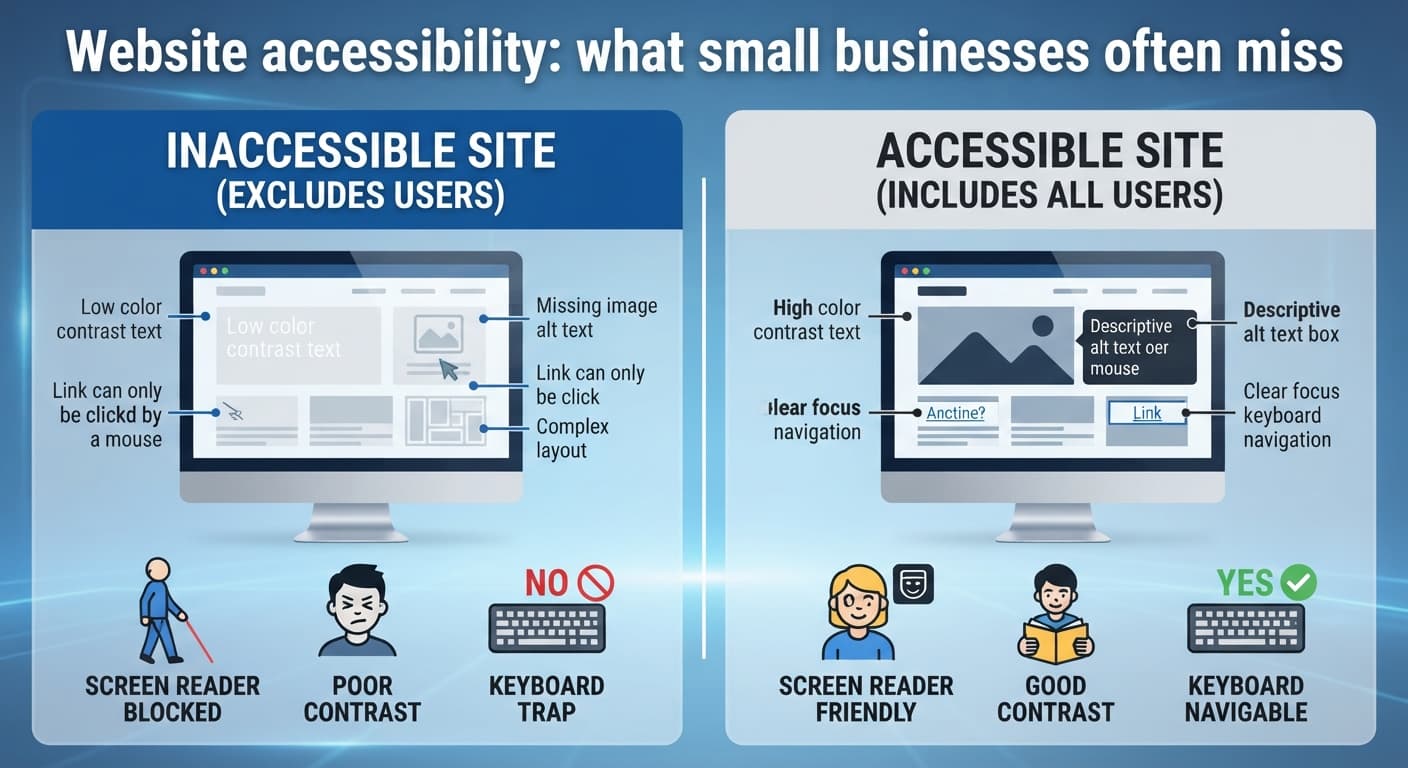
Website accessibility means a site that works for visitors with visual, hearing, motor, or cognitive impairments — things like text a screen reader can interpret, enough color contrast to read comfortably, and a site that's fully usable with a keyboard alone. It's easy to overlook because most of it is invisible if you don't need it.
The business case is straightforward even before considering the legal angle: a meaningful share of any local population has some kind of disability, and an inaccessible site simply excludes them as customers — often silently, since they leave without ever telling you why.
The legal angle is real too: businesses, including small ones, have faced accessibility-related legal claims tied to their websites, and the safest approach is treating this as a standard part of building a site rather than something to address only if a complaint arrives. (This isn't legal advice — if you're concerned about specific exposure, that's worth a conversation with an actual attorney.)
You don't need to become an accessibility expert to make meaningful progress. The highest-value basics: make sure images have descriptive alt text, don't rely on color alone to convey information, ensure your text has enough contrast against its background to read easily, and check that your site can be navigated using only a keyboard.
If you're working with a developer or agency, it's worth asking directly whether accessibility basics are included by default in what they build — for us, they are, not as an add-on line item.