Cart (0)
Your cart is empty.
July 22, 2026
By Brian G
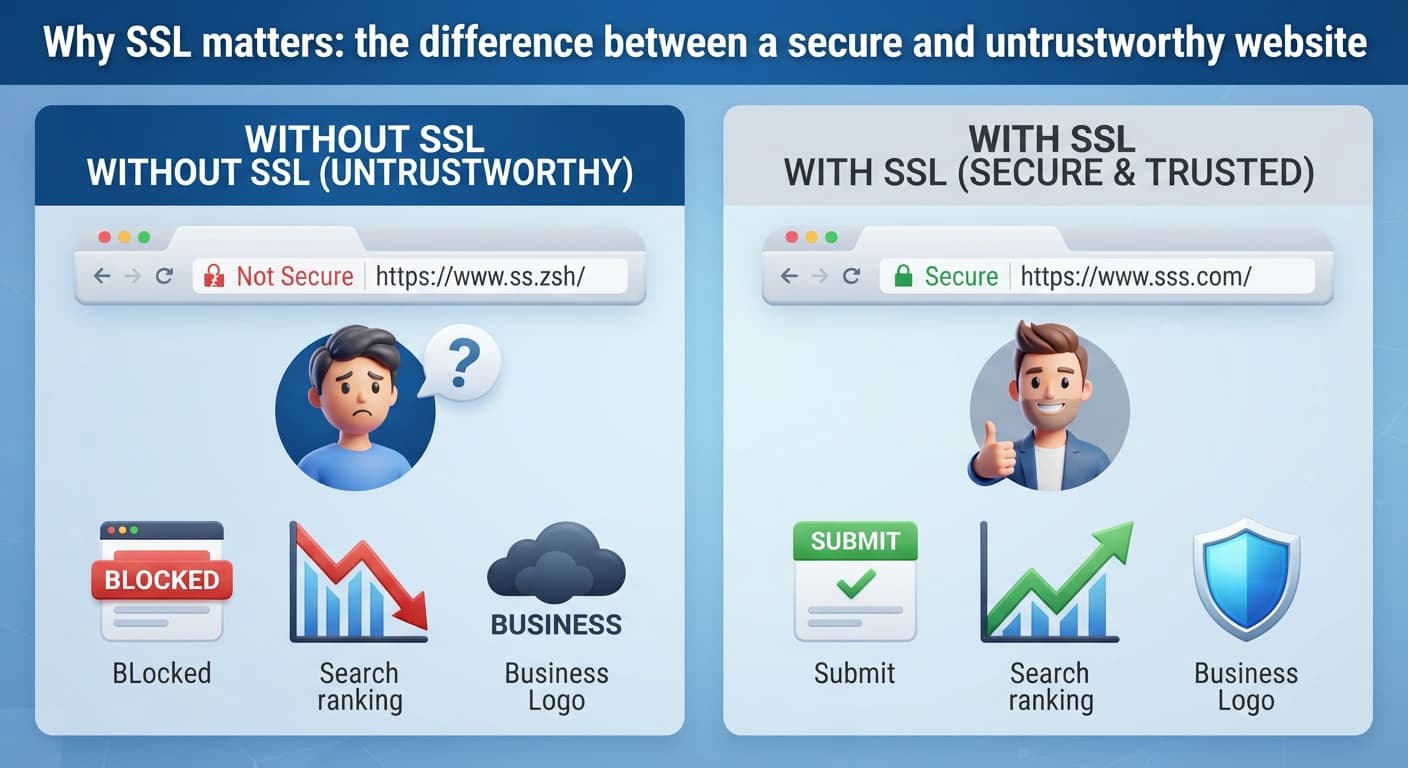
If you've ever seen a "Not Secure" warning next to a website's address, that's SSL — or rather, the lack of it. SSL (the padlock icon) encrypts information passed between a visitor's browser and your site, and its absence is one of the fastest ways to make a legitimate business look untrustworthy.
In practical terms: without SSL, browsers actively warn visitors your site isn't secure, some browsers block form submissions entirely, and Google factors it into search rankings. It's not optional infrastructure anymore — it's a baseline expectation, the same way a locked front door is a baseline expectation for a physical storefront.
The good news: for almost every small business site built in the last several years, SSL is free and usually automatic through your hosting provider. If you're not sure whether yours is set up, the fastest check is looking at your own site's address bar — a padlock icon means you're covered; a "Not Secure" label means it needs fixing, usually a quick support ticket to your host.
Beyond SSL, the other basic security habit worth having: keep your website software and any plugins updated, and use a real password manager rather than reusing the same password across your hosting, domain registrar, and email accounts. Most website security incidents for small businesses come from outdated software or reused passwords, not sophisticated attacks.